Arcane
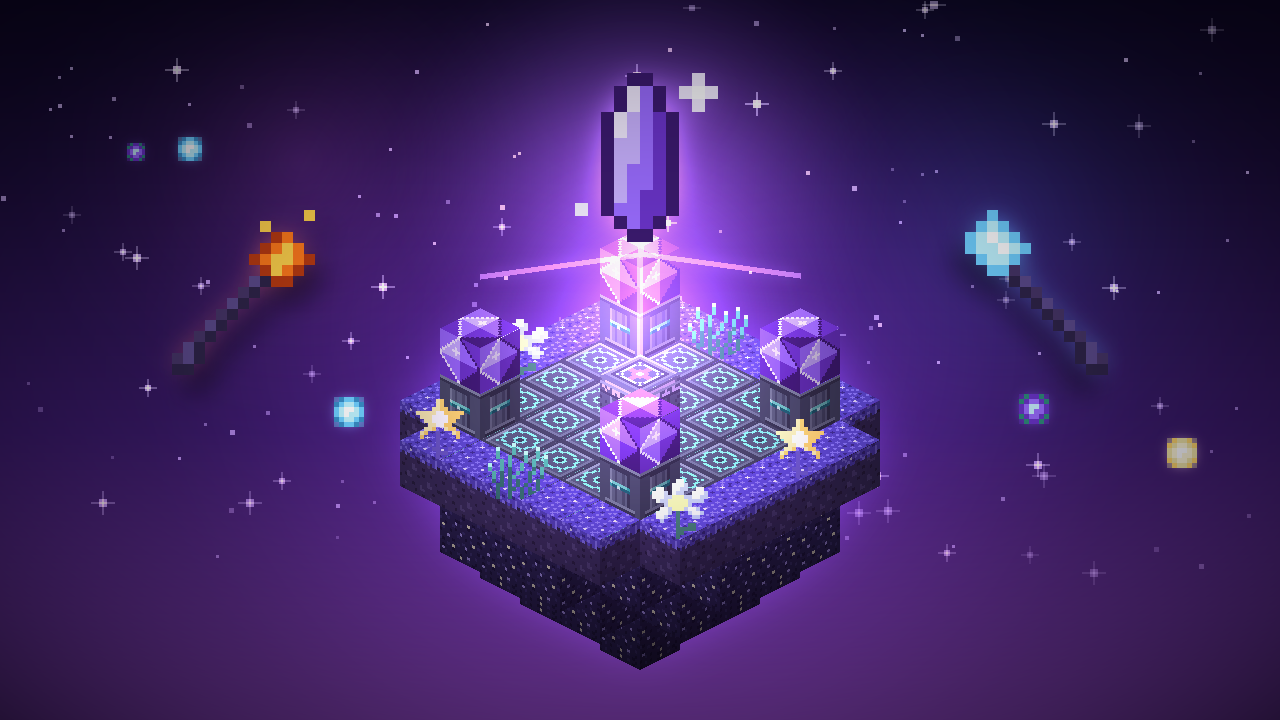
Become a wizard, from your first wand all the way to Archmage! Cast fire, frost, wind and light spells while your mana glows in a purple bar at the top of the screen. Build an altar circle to infuse magic items, then use an Astral sigil to visit floating islands. Made with no code in the BlockGPT Mods editor; needs Minecraft 1.21.8 with Fabric API.
0 likes1 downloadShared
What you need
- Minecraft
- Java Edition 1.21.8
- File
- arcane-1.0.0.jar
- Made with
- BlockGPT Mods, no code
What's inside
- 35 items
- 40 blocks
- 14 world features
- 1 feature type
- 7 projectiles
- 2 effects
- 3 potions
- 2 structures
- 5 template pools
- 1 processor list
- 9 loot tables
- 54 recipes
- 20 tags
- 1 dimension
- 1 terrain shape
- 3 biomes
How to play
Download the mod, then:
Step 1: Get Fabric for Minecraft 1.21.8
Fabric lets Minecraft load mods. Run the Fabric installer (opens in a new tab) and pick 1.21.8.
The Mac installer is a .jar file and needs Java to run.
Step 2: Add Fabric API
Download Fabric API (opens in a new tab) (the 1.21.8 version). It goes in the mods folder too.
Step 3: Put your mod in the mods folder
Your mod is arcane-1.0.0.jar. Open this folder and drop it in:
Windows%appdata%\.minecraft\modsMac~/Library/Application Support/minecraft/modsTo open it, paste the path into the address bar of File Explorer (Windows), or into Go to Folder in Finder (Mac: Shift Command G).
The mods folder appears after you start Minecraft with Fabric once.
Step 4: Start Minecraft with the Fabric 1.21.8 profile
In the Minecraft Launcher, pick the Fabric profile next to Play (it is called fabric-loader-1.21.8), then make a new world.