The Backrooms
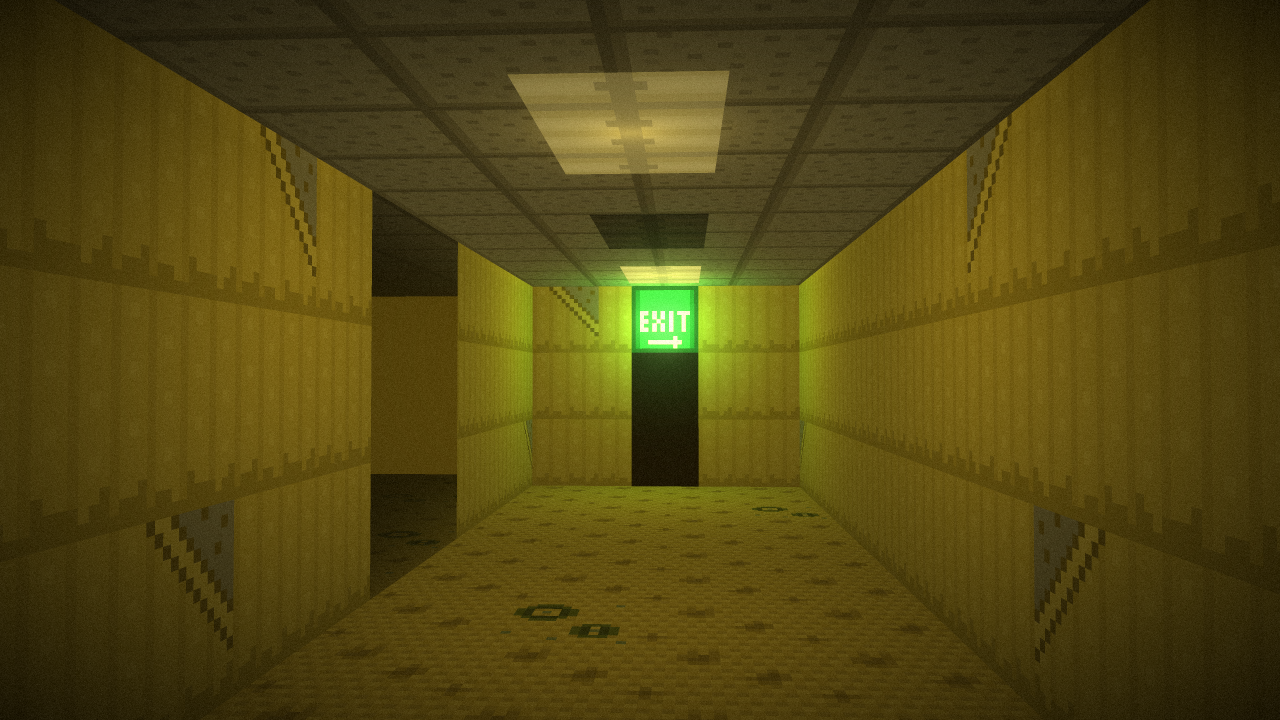
Walk through a shimmering wall and fall out of the world into endless yellow rooms. Your Sanity drains in secret, so you only feel it through whispers, footsteps and a racing heartbeat. Find three key pieces across four levels and open the Exit to escape! Made with no code in the BlockGPT Mods editor; needs Minecraft 1.21.8 with Fabric API.
0 likes1 downloadShared
What you need
- Minecraft
- Java Edition 1.21.8
- File
- backrooms-1.0.0.jar
- Made with
- BlockGPT Mods, no code
What's inside
- 16 items
- 45 blocks
- 4 world features
- 1 feature type
- 1 projectile
- 3 effects
- 1 potion
- 6 structures
- 6 template pools
- 5 processor lists
- 13 loot tables
- 18 recipes
- 5 tags
- 5 dimensions
- 1 terrain shape
- 6 biomes
How to play
Download the mod, then:
Step 1: Get Fabric for Minecraft 1.21.8
Fabric lets Minecraft load mods. Run the Fabric installer (opens in a new tab) and pick 1.21.8.
The Mac installer is a .jar file and needs Java to run.
Step 2: Add Fabric API
Download Fabric API (opens in a new tab) (the 1.21.8 version). It goes in the mods folder too.
Step 3: Put your mod in the mods folder
Your mod is backrooms-1.0.0.jar. Open this folder and drop it in:
Windows%appdata%\.minecraft\modsMac~/Library/Application Support/minecraft/modsTo open it, paste the path into the address bar of File Explorer (Windows), or into Go to Folder in Finder (Mac: Shift Command G).
The mods folder appears after you start Minecraft with Fabric once.
Step 4: Start Minecraft with the Fabric 1.21.8 profile
In the Minecraft Launcher, pick the Fabric profile next to Play (it is called fabric-loader-1.21.8), then make a new world.